
Getting Started
ALL-CAM2
Full HD Video / Photo Camera for Microscopes
Prepare for installation, learn the controls and organise the documentation for your ALL-CAM2.
Preparation guide · 14 September 2026
View PDF (opens in a new tab)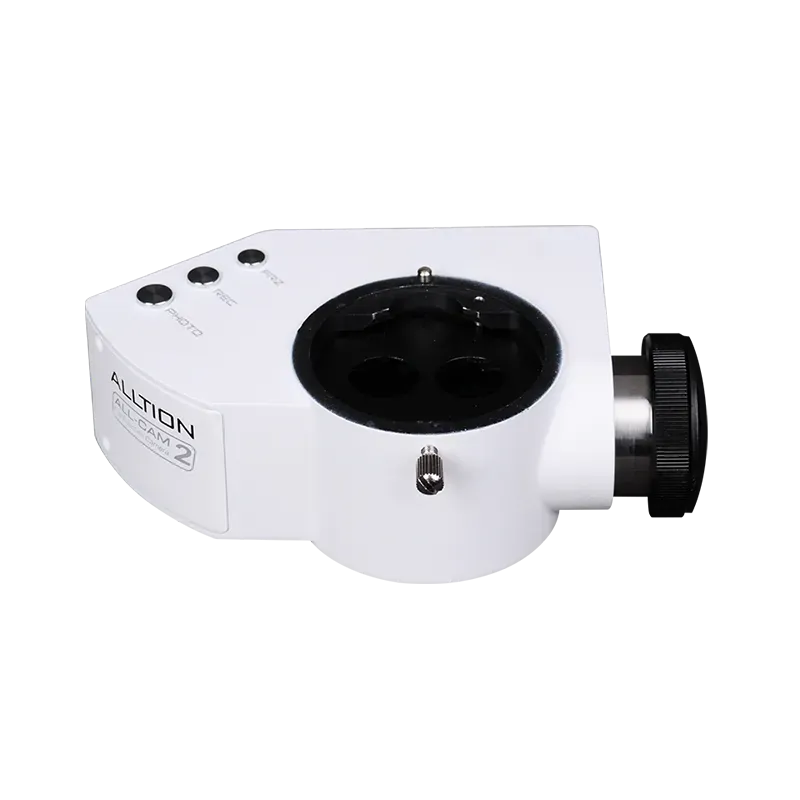
A preparation guide for trained healthcare teams. Use the operating instructions supplied for your unit and complete the appropriate training before clinical use.
Match camera and microscope
Check the ALL-CAM2 interface, optical adapter, power supply and display with your supplier. Confirm which controls and accessories are included in the delivered system.
Review the assembly resource
Use the manufacturer assembly video before the supplier handover. Have the camera mounting, cabling and display connection checked on the assembled microscope.
Learn capture and white balance
During training, follow the power-on, white-balance and capture videos with your supplier. Make a non-clinical test image and recording, then check playback.
Confirm file handling
Use the export video to understand file transfer for your configuration. Keep the camera operating instructions and confirm your practice storage, access and backup arrangements.
Your Reference Material
- ALL-CAM2 brochureAlltion Australia edition · October 2026 · PDF
- ALL-CAM2 assemblyAlltion
- ALL-CAM2 power-on and white balanceAlltion
- ALL-CAM2 capture functionsAlltion
- ALL-CAM2 export images and videoAlltion
Brochures describe a range of configurations. Ask for the operating manual and setup instructions matched to your delivered unit.