
Getting Started
ALL-CAM4
4K Full Function Video / Photo Camera
Prepare for installation, learn the controls and organise the documentation for your ALL-CAM4.
Preparation guide · 14 September 2026
View PDF (opens in a new tab)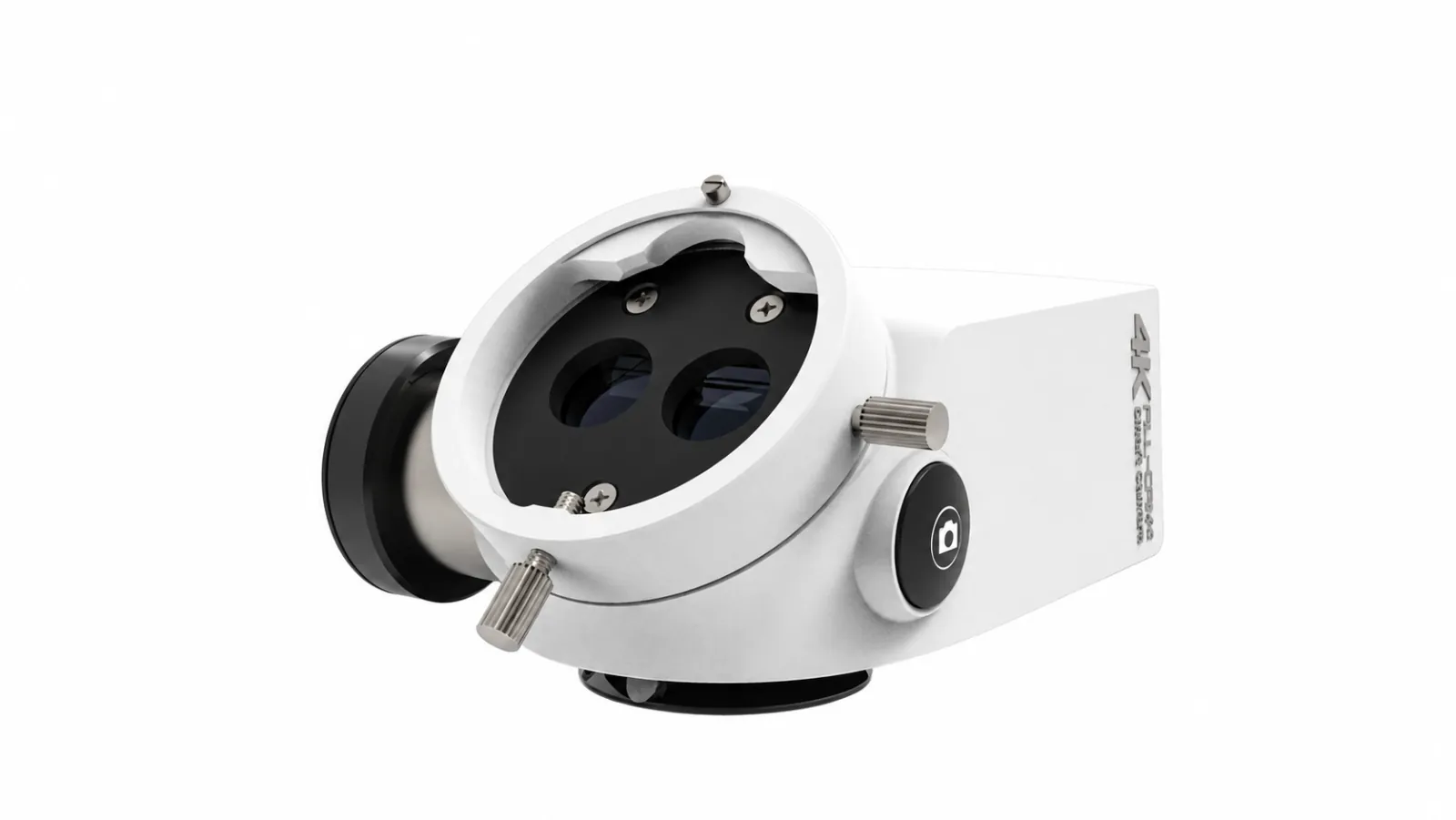
A preparation guide for trained healthcare teams. Use the operating instructions supplied for your unit and complete the appropriate training before clinical use.
Confirm optical compatibility
Have the supplier confirm the ALL-CAM4 interface and adapter for your microscope. Record the camera version and supplied display, power, storage and control accessories.
Review the camera walkthrough
Watch the manufacturer video before the handover. Have mounting, display input, cabling and power demonstrated on the assembled system.
Prepare a capture test
During training, try a non-clinical test photograph and recording, then check playback and export. Confirm the recording mode rather than equating display output with recorded resolution.
Get the matching software instructions
Request the current ALL-CAM4 camera and software manuals. Confirm any wireless viewing, computer compatibility and approved storage with the supplier and your IT team.
Your Reference Material
A model-specific brochure or operating manual is not available to download here yet. Use the product information and start guide, or request the document for your configuration.