
Getting Started
AM-2000 PLUS
4K Dental Microscope
Prepare for installation, learn the controls and organise the documentation for your AM-2000 PLUS.
Preparation guide · 14 September 2026
View PDF (opens in a new tab)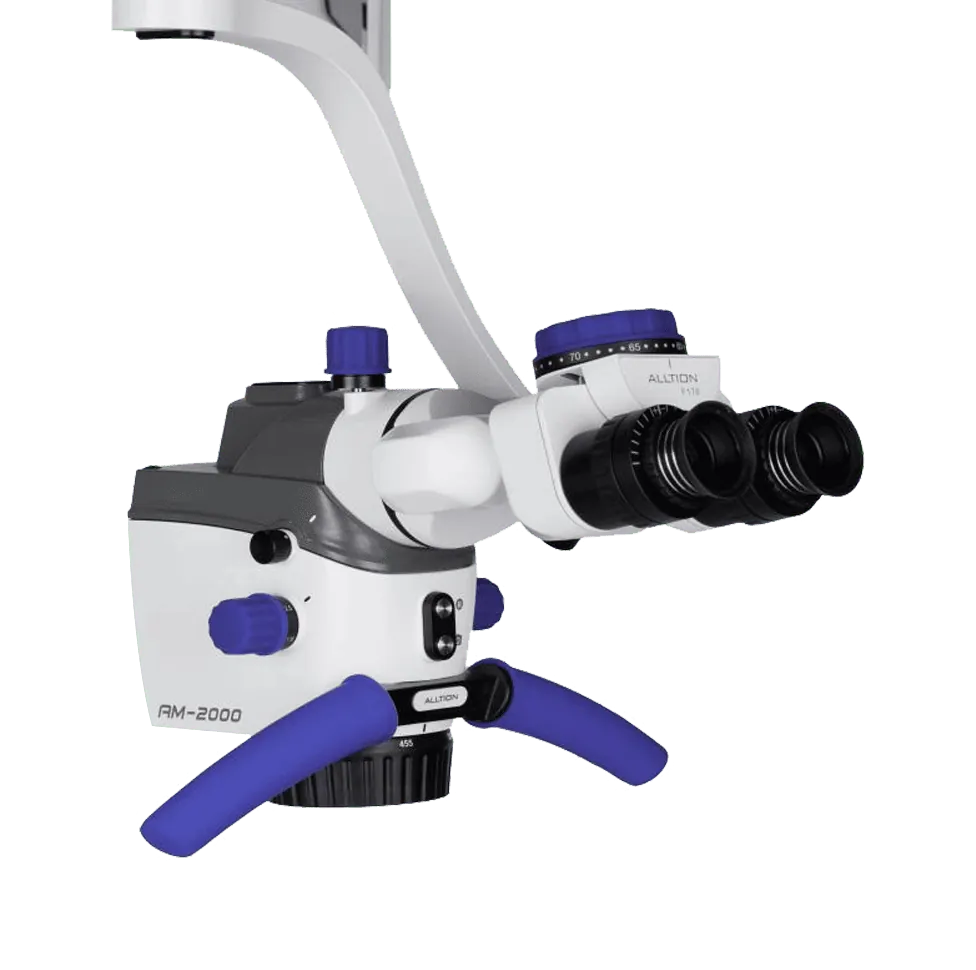
A preparation guide for trained healthcare teams. Use the operating instructions supplied for your unit and complete the appropriate training before clinical use.
Check the PLUS configuration
Confirm the binocular, variable objective, FORA assembly, stand and integrated camera supplied with your AM-2000 PLUS. The standard AM-2000 uses a different configuration.
Review the setup video
Watch the PLUS introduction before your supplier handover. Have mounting, balance, locking and the working position checked with the installed accessories.
Learn the optical controls
During training, identify the magnification selector, focus control, binocular adjustments and illumination controls. Practise changes on a non-clinical target.
Prepare capture and storage
Have the supplier demonstrate the display connection, still capture, recording and playback. Confirm suitable storage and export arrangements for your camera version.
Your Reference Material
- AM-2000 PLUS brochureAlltion Australia edition · October 2026 · PDF
- AM-2000 PLUS introductionAlltion
Brochures describe a range of configurations. Ask for the operating manual and setup instructions matched to your delivered unit.