
Getting Started
ANGEL 100
Operating Dental Microscope
Prepare for installation, learn the controls and organise the documentation for your ANGEL 100.
Preparation guide · 14 September 2026
View PDF (opens in a new tab)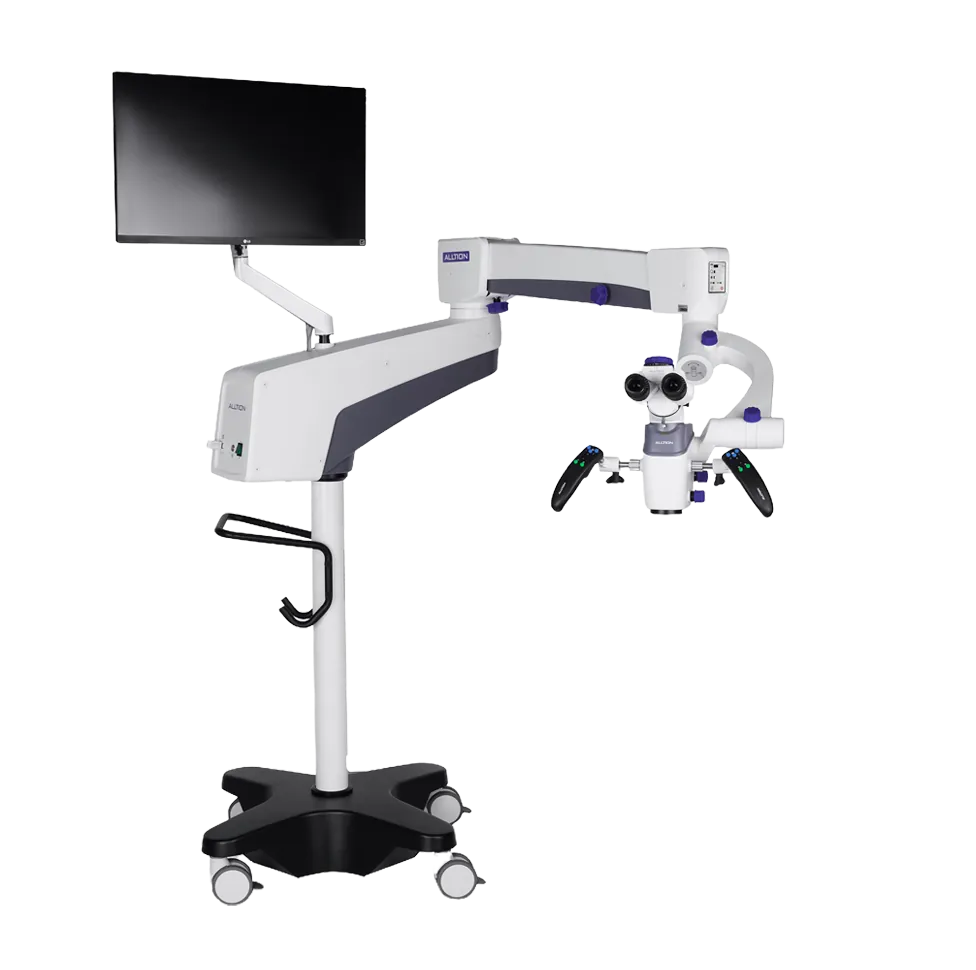
A preparation guide for trained healthcare teams. Use the operating instructions supplied for your unit and complete the appropriate training before clinical use.
Confirm your configuration
Record the serial number, objective, camera, stand and supplied accessories. Confirm the electromagnetic-lock configuration and any optional assistant scope with your supplier.
Arrange assembly and handover
Watch the ANGEL 100 product demonstration to prepare questions for your handover. Have the supplier demonstrate the optical assembly, arm balance, locks and cable routing on the delivered unit.
Get familiar with the controls
Ask for a demonstration of focus, zoom, illumination, handle controls and the wireless foot pedal. Identify the functions fitted to your particular configuration.
Check the imaging workflow
During training, practise a test photo and video, then review where the files are stored and how they are exported. Keep the unit-specific instructions with the equipment.
Your Reference Material
- ANGEL 100 dental microscope brochureAlltion Australia edition · October 2026 · PDF
- ANGEL 100 video demonstrationAlltion · Product overview; configurations may differ from your supplied unit
Brochures describe a range of configurations. Ask for the operating manual and setup instructions matched to your delivered unit.