
Getting Started
ANGEL 200
Neurosurgery Surgical Microscope
Prepare for installation, learn the controls and organise the documentation for your ANGEL 200.
Preparation guide · 14 September 2026
View PDF (opens in a new tab)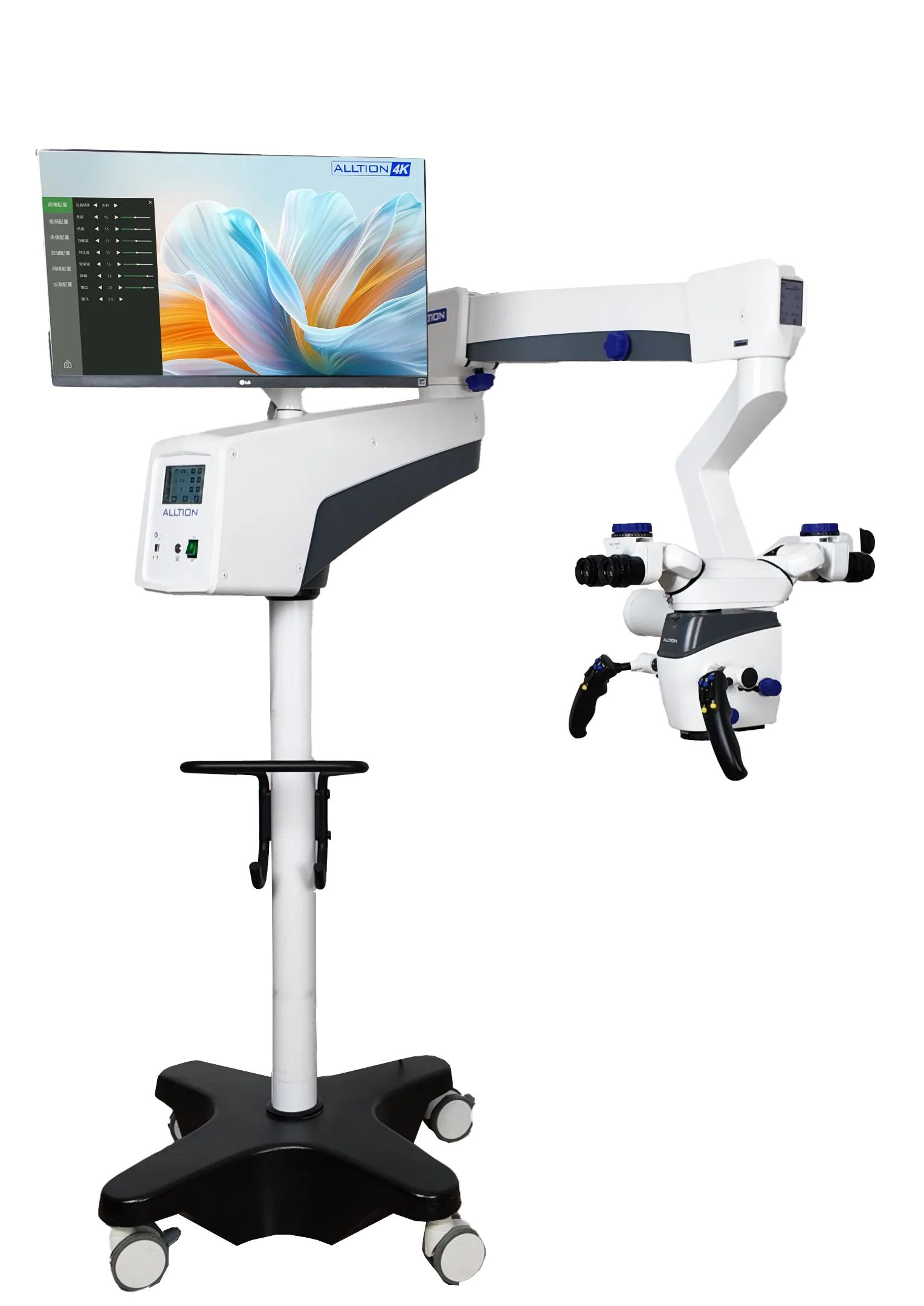
A preparation guide for trained healthcare teams. Use the operating instructions supplied for your unit and complete the appropriate training before clinical use.
Confirm your ANGEL 200 build
Record the stand, binocular, objective and imaging options. The brochure describes different lock configurations; confirm the one delivered on your unit.
Watch the operation guide
Use the official ANGEL 200 operation video to prepare for your supplier handover. Arrange a demonstration of arm balance, locks and movement with your fitted accessories.
Learn the motorised controls
Have focus, zoom, illumination and handle functions demonstrated during training. Confirm any optional functions rather than assuming every brochure feature is installed.
Keep the correct instructions
Request the operating manual matched to the unit and serial number. Confirm capture, display and export with a non-clinical test before putting the system into service.
Your Reference Material
- ANGEL 200 surgical microscope brochureAlltion Australia edition · October 2026 · PDF
- ANGEL 200 introductionAlltion
- ANGEL 200 operation guideAlltion
Brochures describe a range of configurations. Ask for the operating manual and setup instructions matched to your delivered unit.