
Getting Started
Colposcopy Software
+ HDMI Capture Card
Prepare for installation, learn the controls and organise the documentation for your Colposcopy Software.
Preparation guide · 14 September 2026
View PDF (opens in a new tab)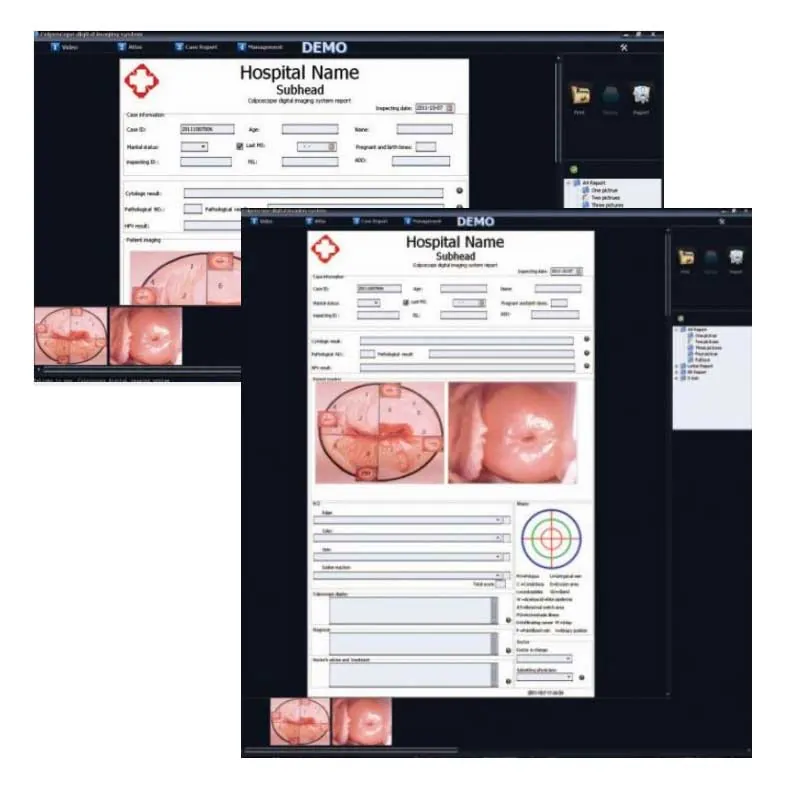
A preparation guide for trained healthcare teams. Use the operating instructions supplied for your unit and complete the appropriate training before clinical use.
Identify the supplied software
Record the software name, version, licence and HDMI capture-card model. Confirm which colposcope or camera output and computer configuration the package supports.
Plan installation with your supplier
The reference manual is version 3.2.4 and illustrates older Windows screens. Ask for current compatible installers and drivers, and have your IT team review the installation requirements.
Set up access and storage
Arrange named user accounts, appropriate access and your approved storage and backup location. Confirm report templates and practice details with the administrator.
Run a training workflow
Use a non-patient test record to check image capture, retrieval, export and reporting. Confirm the correct patient-record workflow with the clinical team before real records are entered.
Your Reference Material
- Colposcopy software reference manualVersion 3.2.4 · reference edition · PDF
- Alltion colposcope system overviewAlltion · System overview; software version and interface may differ.
Reference manual v3.2.4 shows an older software edition. Confirm your current software, capture card, supported operating system and installer with the supplier.