
Getting Started
YSX-120
Compact Operation Microscope
Prepare for installation, learn the controls and organise the documentation for your YSX-120.
Preparation guide · 14 September 2026
View PDF (opens in a new tab)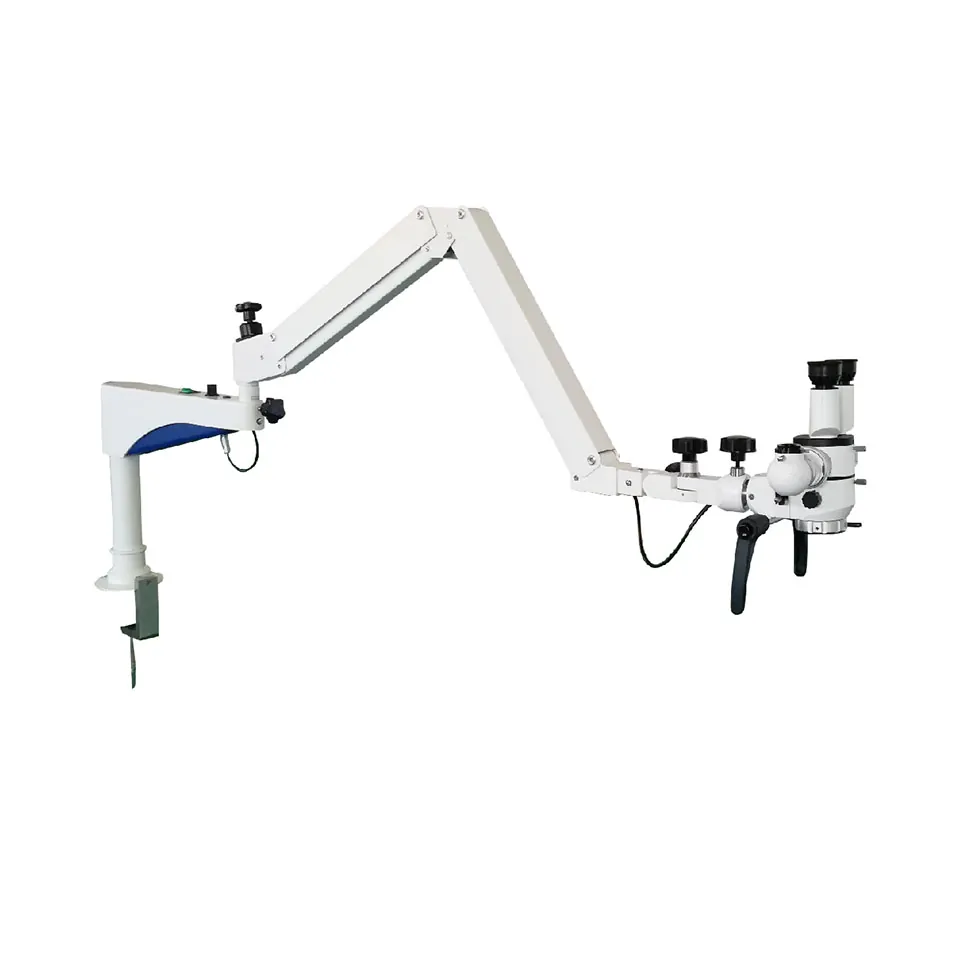
A preparation guide for trained healthcare teams. Use the operating instructions supplied for your unit and complete the appropriate training before clinical use.
Confirm the YSX-120 model
Check the model label, objective, binocular and mounting against the order. The YSX-120 has its own arm arrangement; the family overview video is for orientation only.
Arrange a model-specific handover
Request the YSX-120 operating instructions and a demonstration of the delivered unit. Have the supplier check mounting, balance, movement and cable routing.
Learn the viewing controls
During training, identify the binocular and eyepiece adjustments, focus, magnification selector and illumination controls. Practise on a non-clinical target.
Check fitted accessories
If an imaging adapter or camera is fitted, confirm the matching instructions and test the display and capture workflow. Keep the unit’s service and maintenance information accessible.
Your Reference Material
- YSX Series brochureAlltion Australia edition · October 2026 · PDF
- YSX LED series overviewYouTube · Series overview only; the YSX-120 arm and configuration differ. Request a YSX-120 demonstration for setup.
A model-specific brochure or operating manual is not available to download here yet. Use the product information and start guide, or request the document for your configuration.