
Getting Started
AM-6000 Series
Surgical Microscope
Prepare for installation, learn the controls and organise the documentation for your AM-6000 Series.
Preparation guide · 14 September 2026
View PDF (opens in a new tab)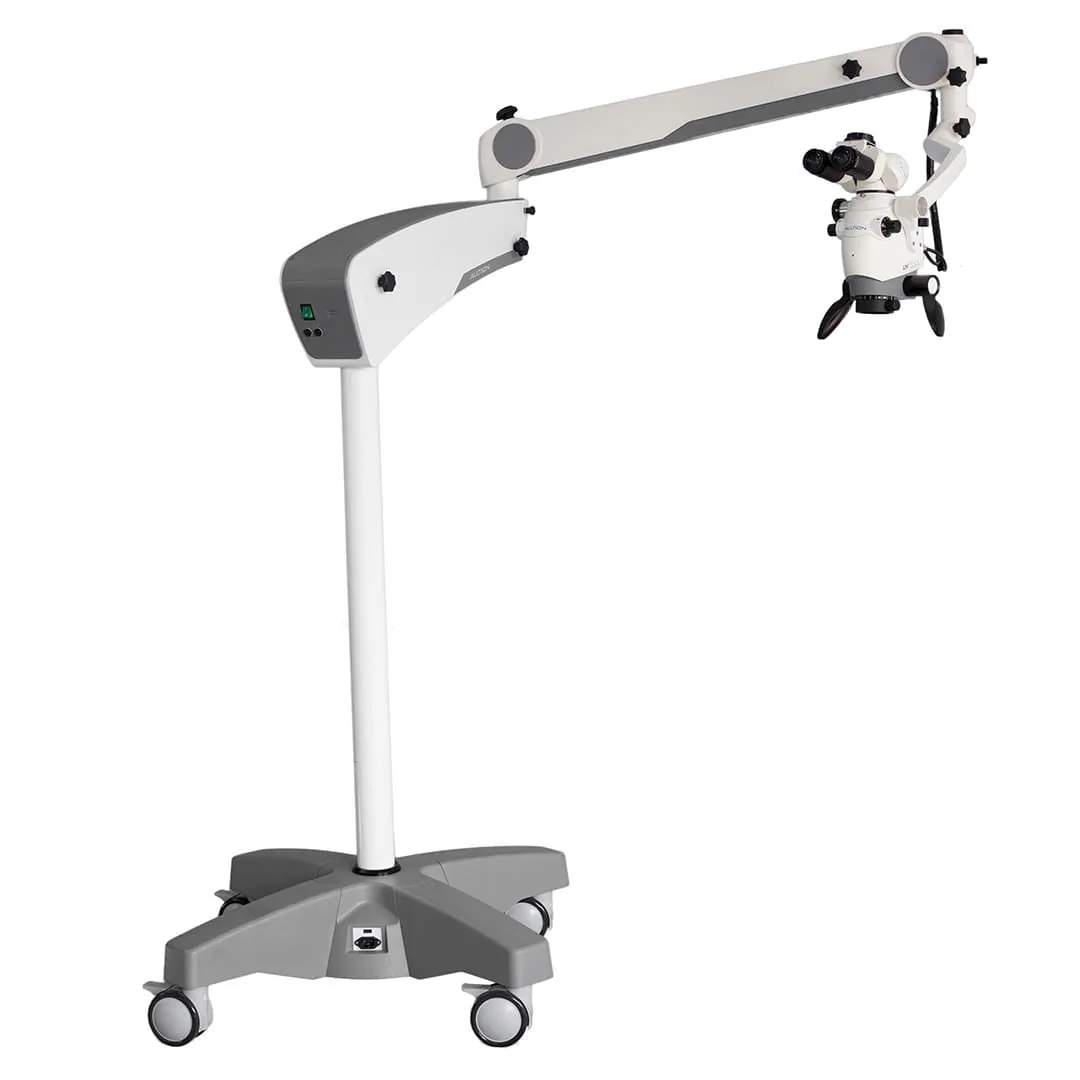
A preparation guide for trained healthcare teams. Use the operating instructions supplied for your unit and complete the appropriate training before clinical use.
Confirm the mounting arrangement
Identify whether the AM-6000 uses a mobile stand, fixed floor support, wall mount or ceiling mount. Check the chosen binocular, objective and camera accessories.
Use the installation resources
Watch the AM-6000 installation video as preparation for supplier installation. Have structural mounting, cable routing, balance and movement checked for your room.
Complete operator training
Have the supplier demonstrate viewing position, focus, zoom, illumination and locks on your configuration. Practise on a non-clinical target before patient use.
Review imaging and service
If imaging is fitted, test the capture and export workflow with the matching camera instructions. Keep the unit manual, maintenance schedule and service contact together.
Your Reference Material
- AM-6000 Series brochureAlltion Australia edition · October 2026 · PDF
- AM-6000 installationAlltion
- AM-6000 3D product overviewAlltion
- AM-6000 system overviewAlltion
Brochures describe a range of configurations. Ask for the operating manual and setup instructions matched to your delivered unit.