AlltionSKU: ALACAM4K

ALL-CAM4 4K Full Function Video / Photo Camera

A 4-in-1 imaging module for surgical microscopes with a 4K camera, HDMI and Wi-Fi transmission, USB storage and audio input.

Live output
4K60
Recorded video
4K30
Still capture
8M

Highlights

  • 4K camera module with still-image and video recording
  • 4-in-1 imaging module that reduces the number of accessories
  • Wi-Fi and HDMI real-time transmission
  • 1/1.8 inch Sony 8-megapixel low-noise, high-sensitivity sensor
Full description

Product Overview

Description

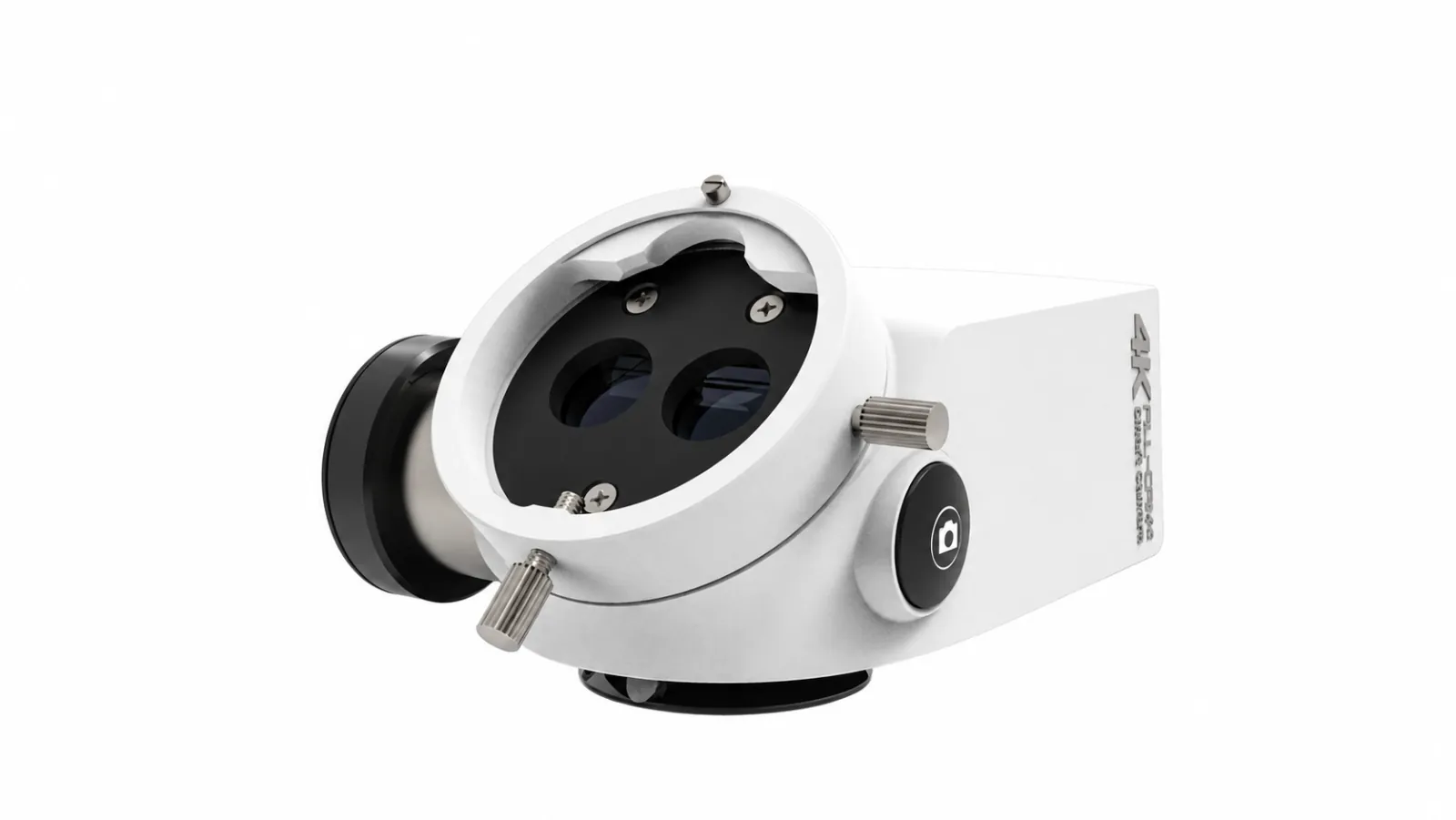
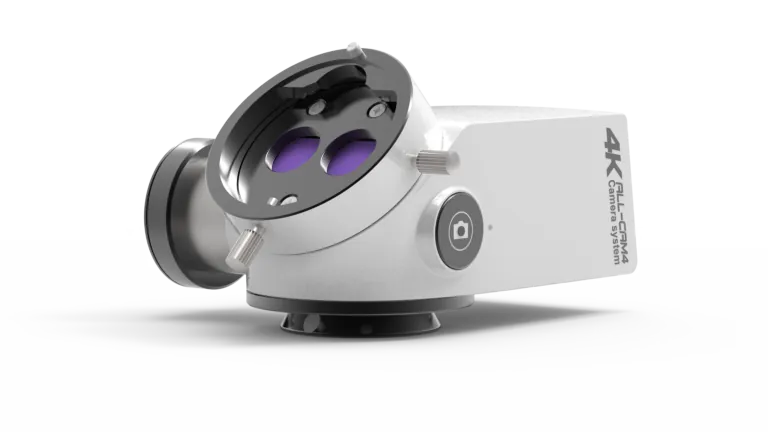
ALL-CAM4 camera showing the optical connections and integrated housing

Bring imaging into the optical path.

A 4-in-1 imaging module for surgical microscopes with a 4K camera, HDMI and Wi-Fi transmission, USB storage and audio input.

Camera, beam splitter, extender and rotation device in one module.

Key Features

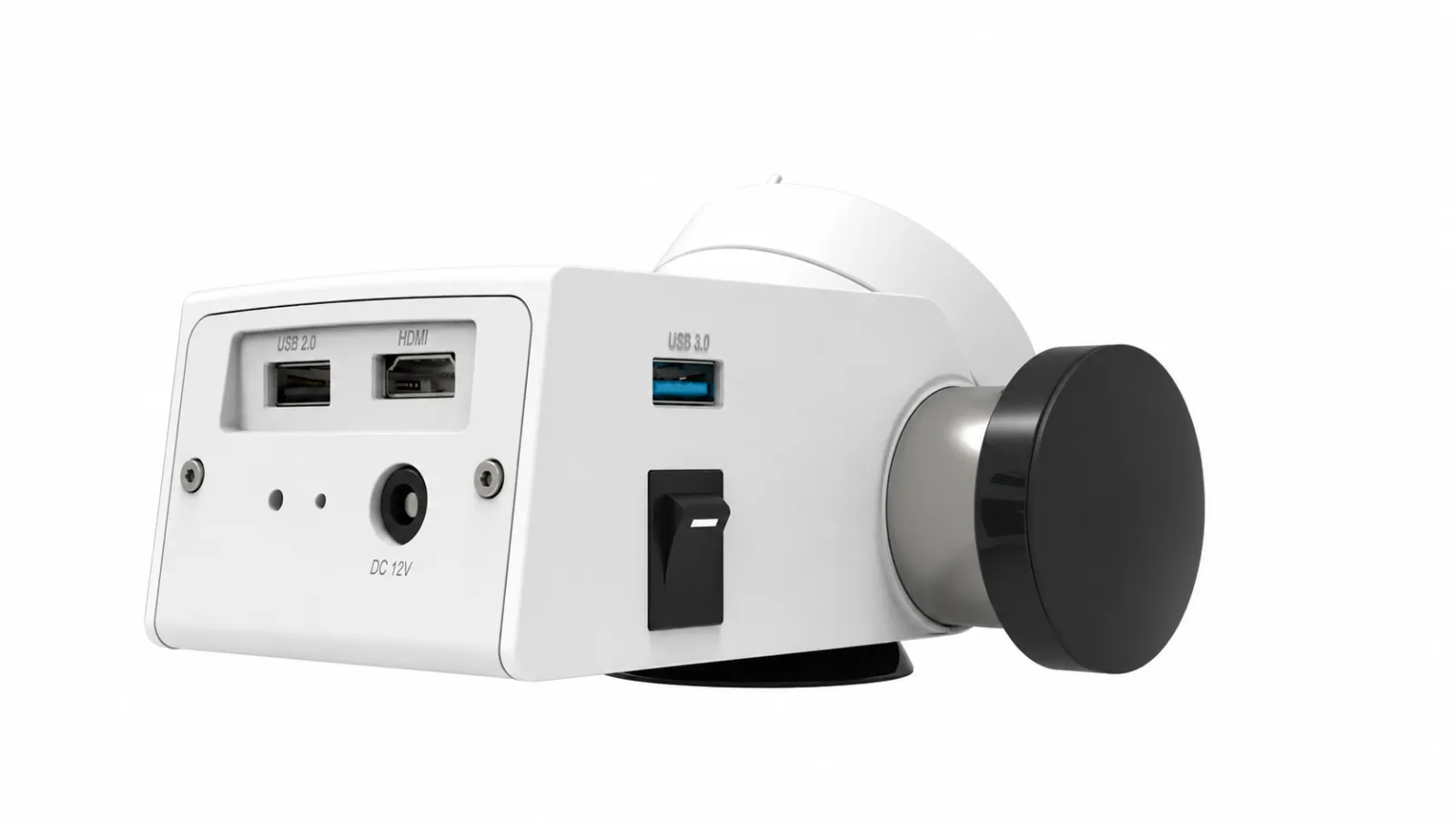
Rear connection panel of the ALL-CAM4 camera

Connection panel

Connect the display, storage and camera controls.

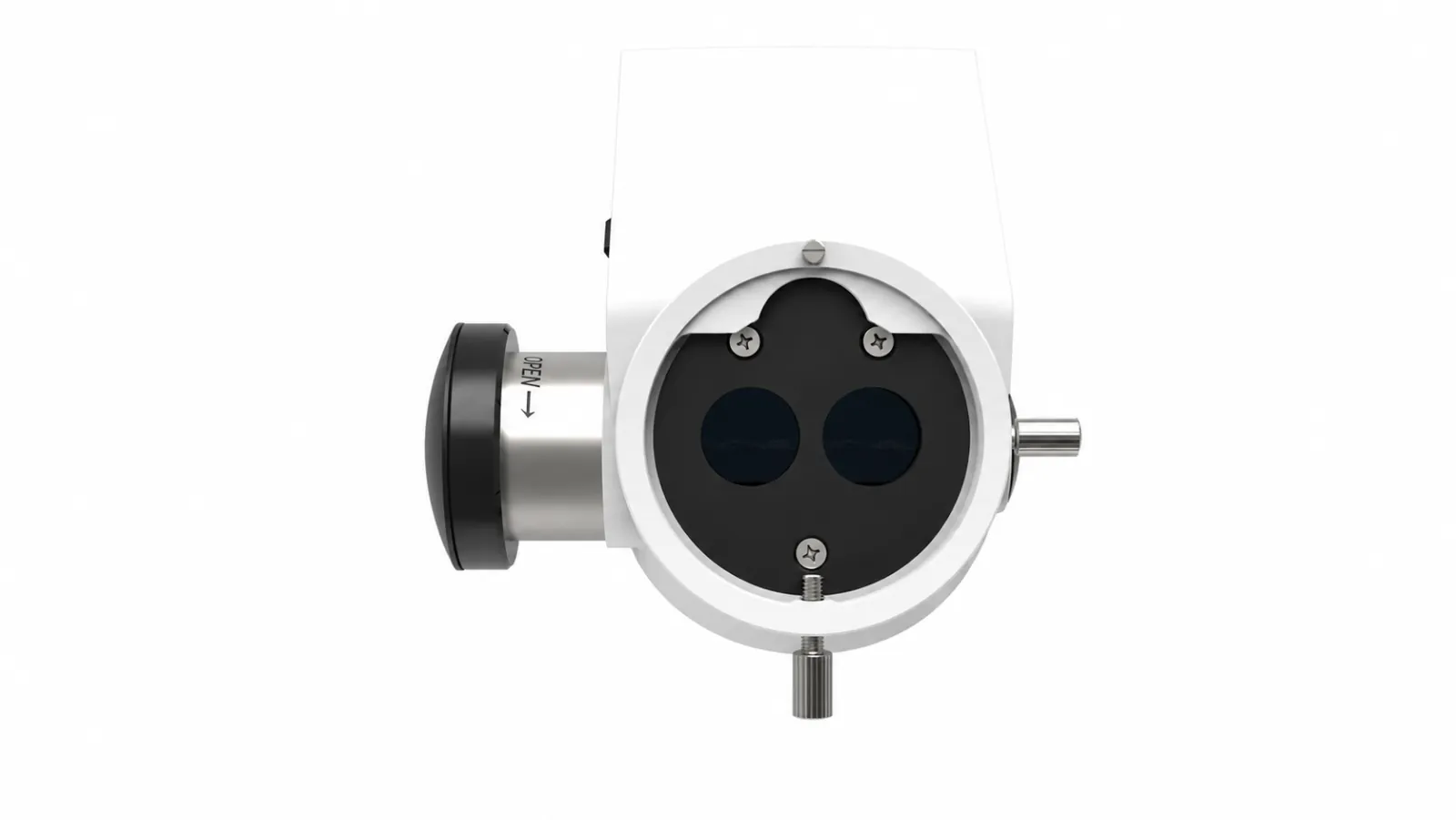
Top view of the ALL-CAM4 optical interface

Optical interface

Confirm the adapter and microscope compatibility for your system.

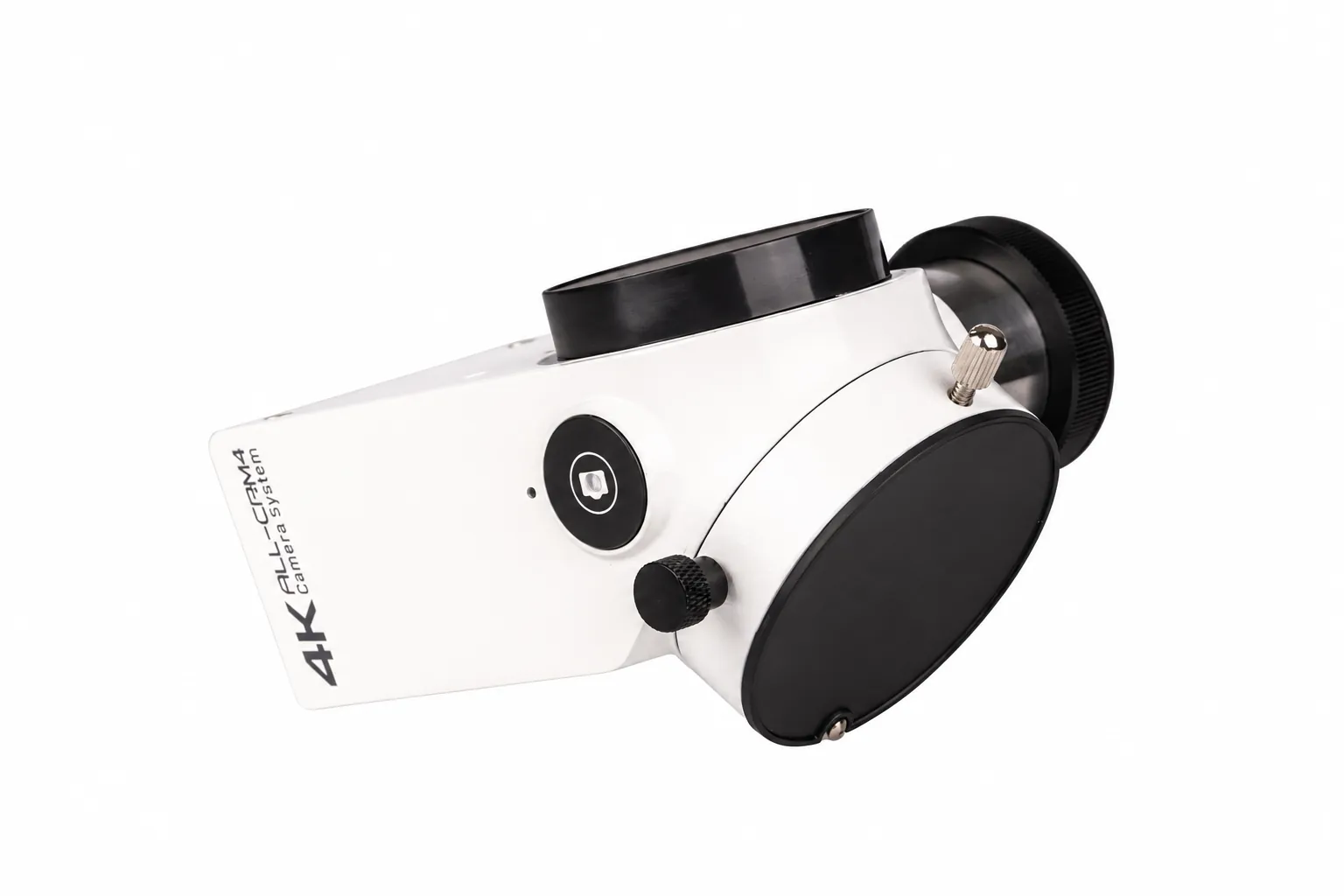
Side view of the ALL-CAM4 camera body

Compact housing

A side view of the integrated camera module.

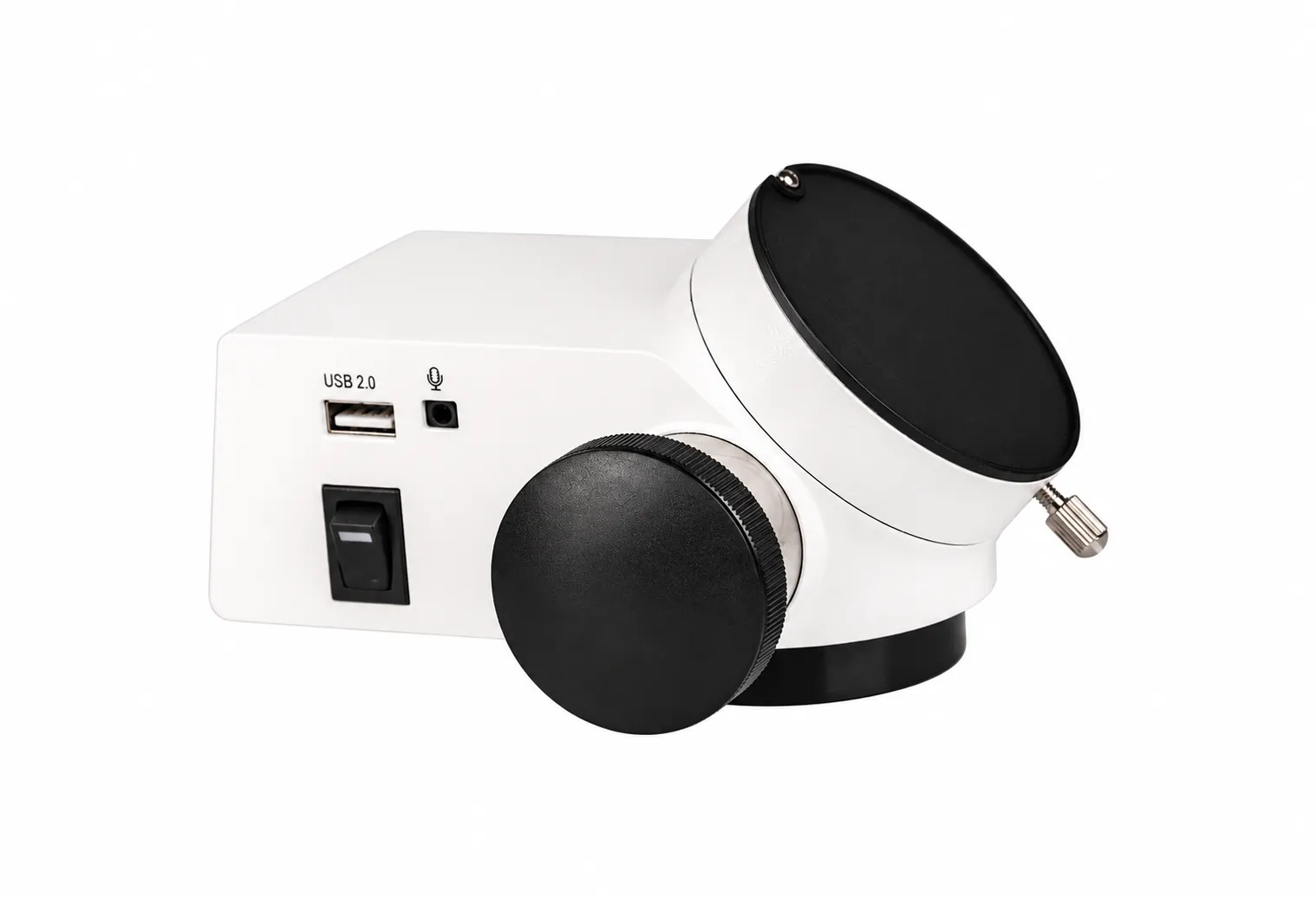
ALL-CAM4 camera body with USB port and power switch

Record to USB

USB storage port and power switch on the camera body.

ALL-CAM4 4K Full Function Video / Photo Camera

Your optical view, in 4K.

The ALL-CAM4 outputs 4K at 60 frames per second. Recording is specified at 4K30 or 1080P30, with JPG still images and MP4 video saved to external USB storage.

The 4-in-1 module is designed to reduce the number of accessories on the microscope. HDMI and Wi-Fi provide image-transmission options; confirm the adapter and optical split for the receiving microscope.

Live output
4K60
Recorded video
4K30
Still capture
8M

Options & accessories

  • 5:5 beam split (2:8 standard)
  • Adapters for Alltion, Zumax, Zeiss, Leica and other microscopes

Ask us which suit your setup.

Images may show optional accessories.

Full feature list
  • 4K camera module with still-image and video recording.
  • 4-in-1 imaging module that reduces the number of accessories.
  • Wi-Fi and HDMI real-time transmission.
  • 1/1.8 inch Sony 8-megapixel low-noise, high-sensitivity sensor.
  • USB 3.0 external storage, USB 2.0 mouse connection and 3.5 mm audio input.
  • Adapters for Alltion, Zumax, Zeiss, Leica and other microscopes.
Planning your setup

Have the supplier confirm the ALL-CAM4 interface and adapter for your microscope. Record the camera version and supplied display, power, storage and control accessories.

Prepare for your handover

Specifications

View spec sheet PDF (opens in a new tab)

Optics & observation

ALL-CAM4 Optics & observation
Optical split2:8 standard; 5:5 optional
FunctionsFreeze, photo, video, automatic exposure, white balance, playback and cross curve
CompatibilitySurgical microscopes from Alltion, Zumax, Zeiss, Leica and other brands, with the matching adapter

Light & illumination

ALL-CAM4 Light & illumination
Description4-in-1 imaging module designed for surgical microscopes

Imaging & documentation

ALL-CAM4 Imaging & documentation
Sensor1/1.8 inch Sony 8-megapixel high-sensitivity, low-noise CMOS
InterfacesHDMI 2.0 ×1; USB 2.0 ×1; USB 3.0 ×1; 3.5 mm audio ×1 (sound recording)
Camera resolution4K 3840 × 2160, 60 FPS (16:9)
Recording4K 30 FPS or 1080P 30 FPS
Still images8M (3840 × 2160) / 2M (1920 × 1080)
Storage / formatsExternal USB flash disk (FAT32 / NTFS); JPG / MP4
ConnectivityBuilt-in Wi-Fi image transmission
Image controlsExposure, brightness, gain, red/blue gain, saturation, contrast, definition and HDR; horizontal/vertical flip, zoom, AOI and image comparison
Languages11 languages

Positioning & installation

ALL-CAM4 Positioning & installation
Power12V; 10–25VA

Specifications may vary by option or configuration. Confirm the supplied specifications and compatibility before ordering.

Videos

ALL-CAM4 4K Full Function Video / Photo Camera

ALL-CAM4 camera system walkthrough · Alltion

Configuration shown may differ from your supplied unit.

Open original video ↗
Arrange a demonstration

Downloads

Start Here

Getting Started With ALL-CAM4

Prepare for installation, learn the controls and organise the documentation for your ALL-CAM4.

View Start Guide PDF (opens in a new tab)

Brochures & Manuals

Request a document

A model-specific brochure or operating manual is not available to download here yet. Use the product information and start guide, or request the document for your configuration.

Let’s find the right product for your practice.