AlltionSKU: ALAHDMICAP

Colposcopy Software + HDMI Capture Card

Professional colposcopy software with an HDMI capture card for the AC-2311 colposcope: image collection, atlas comparison, annotation, examination timing, reporting and case search.

Colposcope connection
AC-2311
Standard atlas images
175
Report types
11

Highlights

  • Set for the AC-2311: HDMI outside capture card, software and driver CD, HDMI cable and dongle
  • Displays, freezes, captures and deletes 1–99 colour images per inspection
  • Foot-switch image capture
  • Acetic-acid test timer
Full description

Product Overview

Description

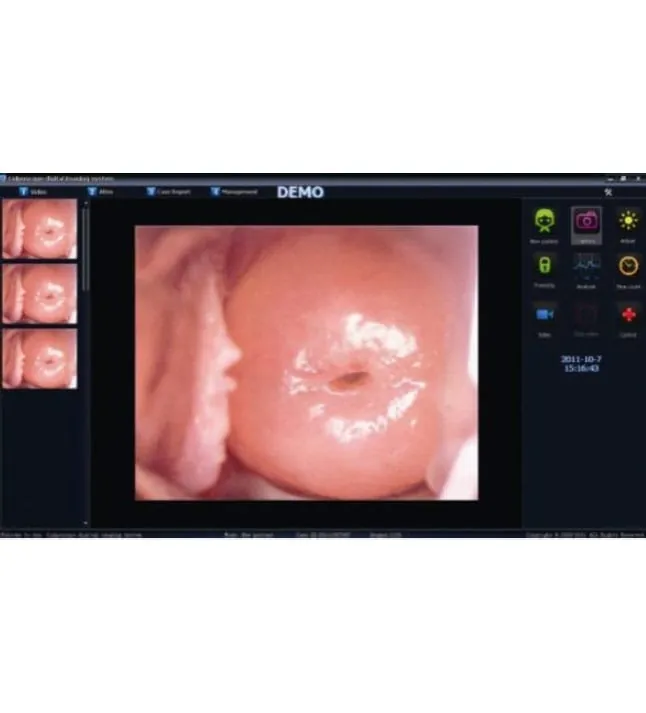
Publisher example of the colposcopy software image capture screen

From captured image to case review.

Professional colposcopy software with an HDMI capture card for the AC-2311 colposcope: image collection, atlas comparison, annotation, examination timing, reporting and case search.

Keep examination images together in the case workflow.

Key Features

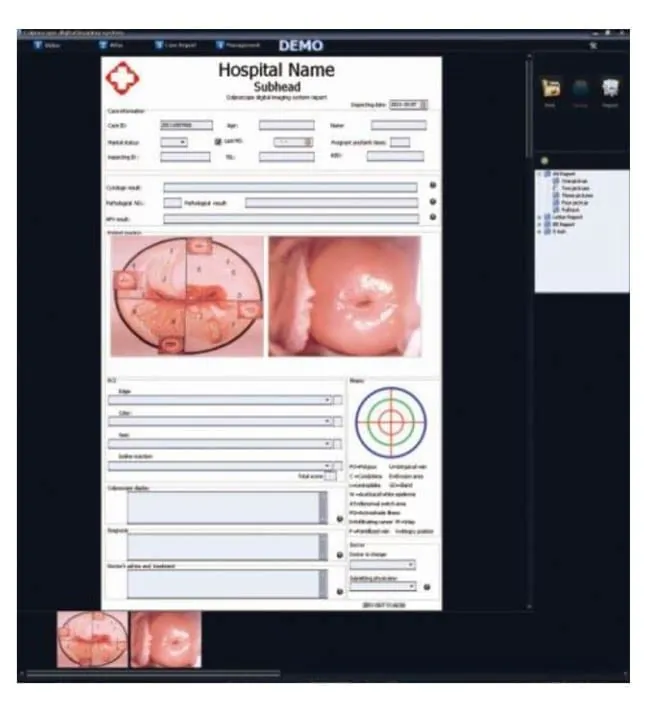
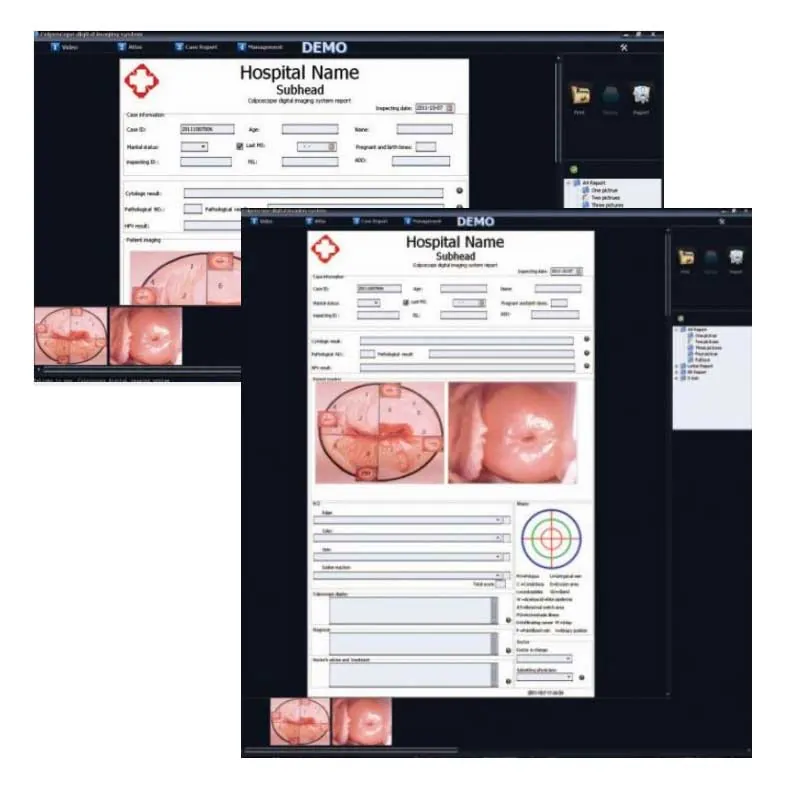
Publisher example of a colposcopy report with selected images

Prepare the report

Combine selected images with case information.

Publisher example of the colposcopy software capture screen

Image capture screen

Captured images shown beside the main view.

Colposcopy Software + HDMI Capture Card

From captured image to organised report.

The software workflow connects image collection with case records. The reference manual covers image review, atlas analysis, annotations and measurement tools for use by trained clinical teams.

The manual includes report creation, printing and case search. Before installation, confirm the software version, capture-card interface and computer requirements with your supplier and IT team.

Colposcope connection
AC-2311
Standard atlas images
175
Report types
11

Publisher screen examples. The current version may differ.

Full feature list
  • Set for the AC-2311: HDMI outside capture card, software and driver CD, HDMI cable and dongle.
  • Displays, freezes, captures and deletes 1–99 colour images per inspection.
  • Foot-switch image capture.
  • Acetic-acid test timer.
  • Atlas with 175 standard images; marking, remarks, measurement, zoom and area calculation.
  • Clinical-symptom and treatment entry.
  • Eleven report formats and RCI evaluation.
  • Case creation, editing, deletion and search by number, name, age, date or fuzzy search.
  • English, Spanish, Vietnamese and Chinese languages.
Planning your setup

Record the software name, version, licence and HDMI capture-card model. Confirm which colposcope or camera output and computer configuration the package supports.

Prepare for your handover

Specifications

View spec sheet PDF (opens in a new tab)

Package & compatibility

Colposcopy Software Package & compatibility
ProductHDMI capture card and professional colposcopy software set for the AC-2311 colposcope
Set contentsHDMI outside capture card; software and driver CD; HDMI cable; dongle — for connecting the AC-2311 to a desktop computer or laptop
Computer and monitor setAs above with 2 HDMI cables and an HDMI connector, for connecting the AC-2311 to a computer (or laptop) and a monitor at the same time

Software & reporting

Colposcopy Software Software & reporting
Image collectionDisplay, freeze, capture and delete; 1–99 colour images per inspection; foot-switch capture and roll browsing
Examination toolsAcetic-acid test timer; white balance and green filter
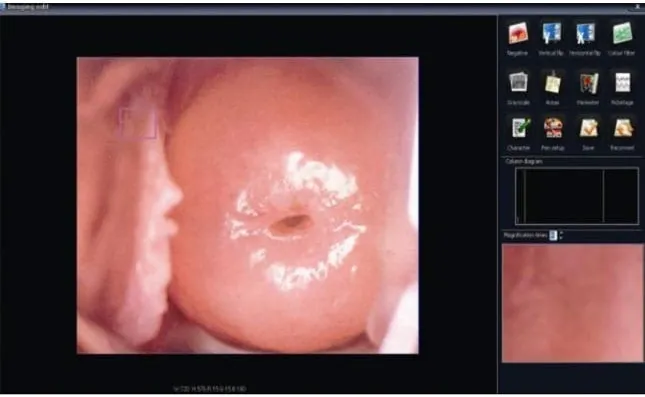
Atlas and annotation175 standard atlas images; marking, remarks, measurement and partial or total magnification
Reports11 kinds of reports; RCI evaluation
Case recordsAdd, delete, edit, review; search by case number, name, age or date; fuzzy search
LanguagesEnglish, Spanish, Vietnamese and Chinese
Software reference editionv3.2.4 manual; features vary by software version

Confirm the supplied specifications and compatibility before ordering.

Videos

Colposcopy Software + HDMI Capture Card

Alltion colposcope system overview · Alltion

System overview; software version and interface may differ.

Open original video ↗
Arrange a demonstration

Downloads

Start Here

Getting Started With Colposcopy Software

Prepare for installation, learn the controls and organise the documentation for your Colposcopy Software.

View Start Guide PDF (opens in a new tab)

Let’s find the right product for your practice.